Paraphrasing tool explained
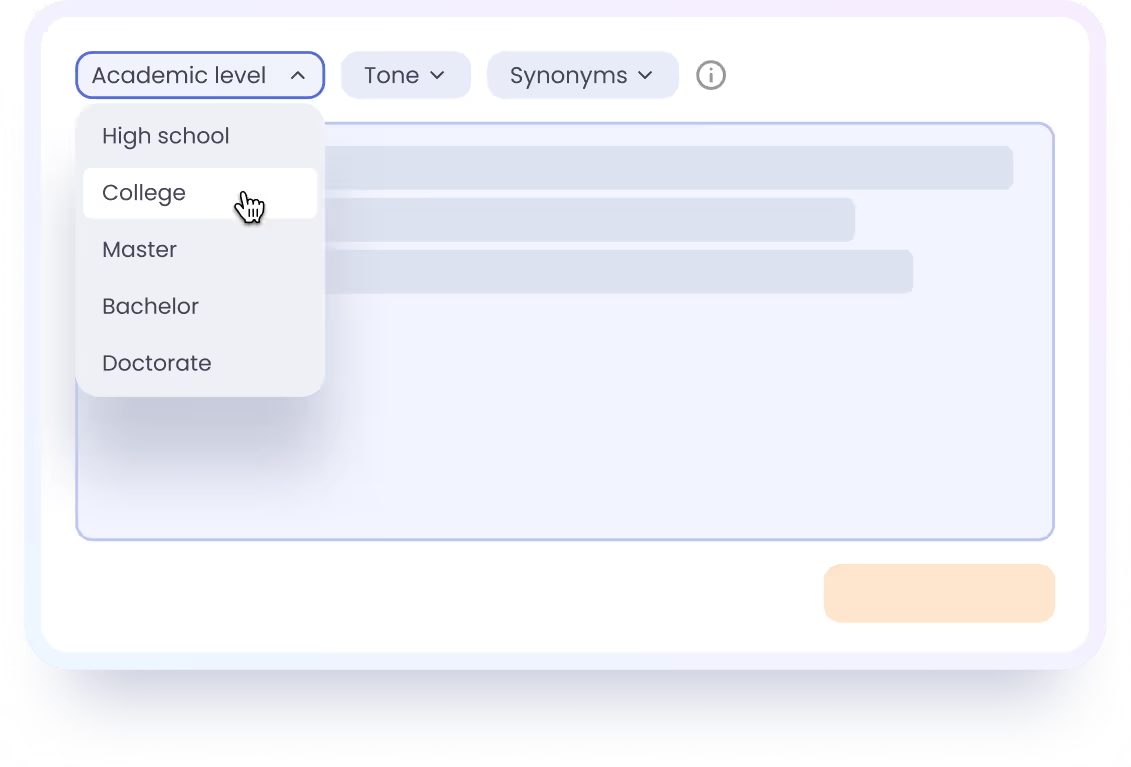
This paraphrasing tool is an AI-powered writing assistant that rewords any text in seconds. It maintains your original meaning, helping polish wording, avoid similarity, and achieve clarity easily. The tool is fully customizable. Our AI adjusts to different tones and academic levels. Perfect for students, researchers, bloggers, and anyone working with content.
Reasons to choose EssayPro's paraphrasing tool
Saves time on editing
No need to manually rewrite your text. This tool rewords any content in seconds, keeping the original meaning as is.
Enhances writing quality
Polish your texts effortlessly. The tool replaces awkward, redundant phrases with clear, natural phrasing and smooths out the flow.
Keeps the original meaning
Your ideas stay the same. The paraphraser simply polishes the phrasing without compromising your work's integrity.
Adjusts to your tone & level
You can customize the settings of this paraphrasing tool so the result matches your voice and knowledge depth.
Fixes grammar
The paraphraser catches and fixes the smallest errors and typos so you can use the text confidently.
No registration
You don't have to sign up to use our AI paraphrasing tool. Just enter your text and set your preference to get started.
User-friendly design
With a simple layout, this tool helps with clean, easy rewrites. There are no complicated steps, so you can start instantly.
Free to use
This paraphrasing tool is available at zero cost. Run it as many times as needed until the result feels right.

Who can benefit from our paraphasing tool
Students
Paraphrasing tools help students quickly enhance the quality of their writing and meet originality standards with ease.
Authors
Writers can use the tool to reshape their work with a fresh perspective and clarity, keeping their original ideas intact.
Researchers
With this paraphraser, academic researchers can organize their findings in a clean, simple way. It helps reach a wider audience easily.
Content creators
Customize any text to match your unique voice or rewrite your content to connect with the target audience.
Working professionals
Reword your emails, work materials, or presentations in simple language tailored to your specific audience.
Journalists
Avoid repetitiveness in your materials effortlessly. The tool replaces awkward, overly similar, and unoriginal text with fresh wording.
Copywriters
Use this paraphrasing tool to avoid self-plagiarism in your text and get a fresh, smoother version in seconds.
Marketing professionals
Instantly adjust your ad copy to different audiences and platforms. The tool ensures your message stays the same, just more polished.
